Contents7 steps
-
What Threads reach is made of
Threads reach shows how many people saw your post. Your followers find it in their feed, everyone else in recommendations, and whether a post gets recommended depends on how its first readers react. Your profile insights show views and interactions (likes, replies, quotes, and reposts), so after every post you can see what worked.
Meta openly describes what the Threads ranking system looks at: the likelihood of a like, a reply, or a profile visit, and the time spent on a post. The ratio of likes to impressions is named separately among the signals. Put simply, a thousand views and five likes say less about a post than three hundred views and thirty likes.
-
Threads likes: a reaction from the first line
In the feed, readers see the start of a post and use it to decide whether to stop. People hit like when a thought feels familiar or is put more precisely than they would have put it themselves.
- The first line as a headline. Get straight to the point: "I stopped answering clients after 7 pm. Revenue didn't drop."
- Specifics instead of generalities. A number, a deadline, the name of a tool.
- A relevant image. A screenshot, a photo of your desk, a chart. A random photo won't add likes.
- Shorter than you'd like. Cut the intro and the "so that's where things stand" ending.
Compare two openings: "A few thoughts on freelancing" and "In a year of freelancing I turned down 14 clients and earned more." The second one is specific and immediately raises the question "how?", so people read a post like that to the end more often.
-
Replies and quotes: a post people discuss
Replies, and replies to replies, are also among the Threads ranking signals, so a post with a lively discussion has a better chance of reaching new readers. End your post with a question your audience has personal experience with, and reply to everyone while the discussion is fresh.
A quote is different from a repost: the person adds their own comment, and your post reaches their followers along with their opinion. People quote what they want to agree or argue with. If you need to set the tone of the conversation, you can order replies with your own texts in the Threads Comments section.
-
Threads reposts and sharing: two paths to a new audience
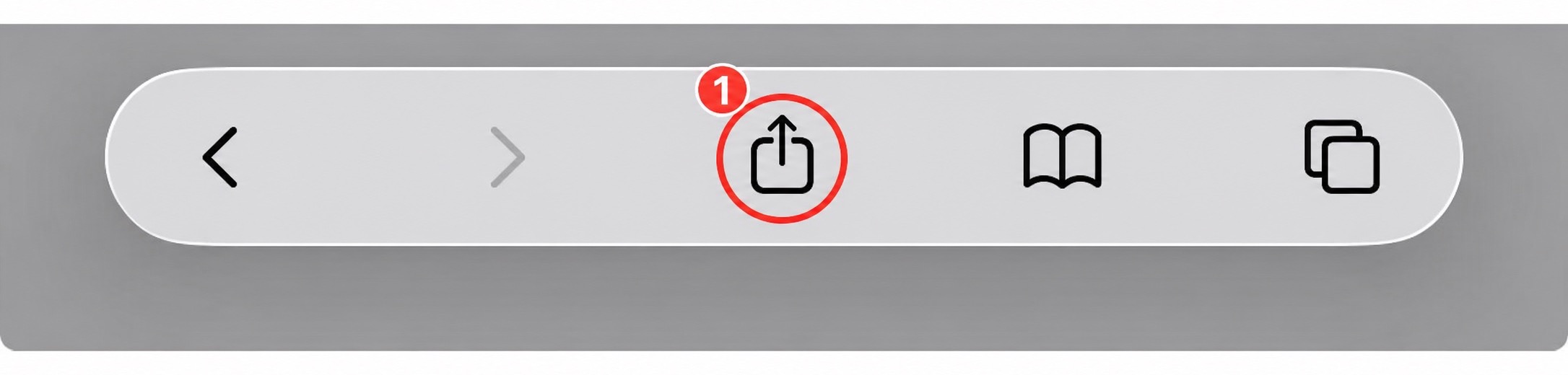
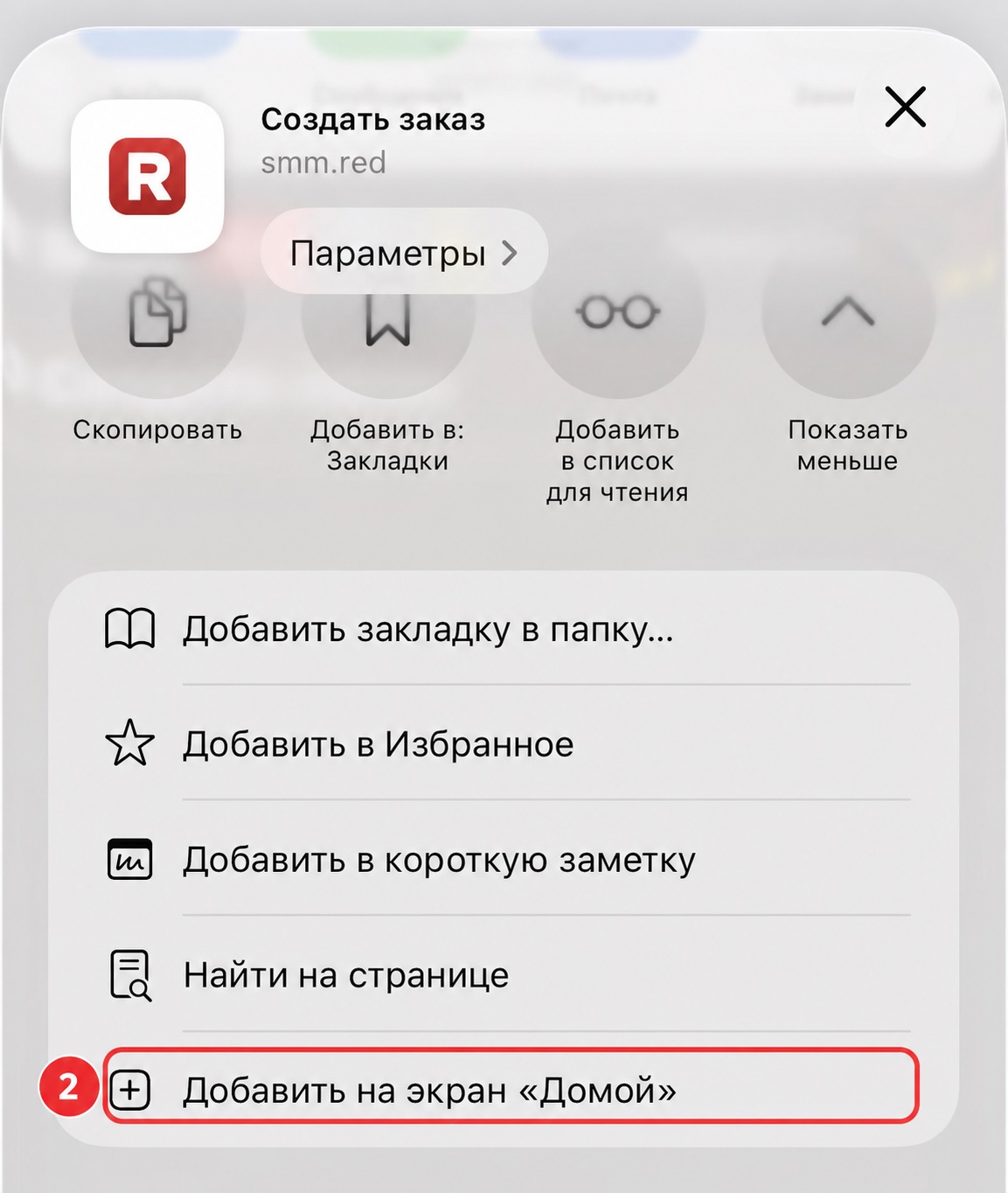
A repost shows your post, unchanged, to the followers of whoever reposted it. The Share button works outside the feed: the post gets sent in DMs, added to a story, or passed to another app. You can add a post to your Instagram story without leaving Threads, which is one more way to reach people who don't read Threads. The things people repost and share most often:
- Roundups of tools and resources with short explanations.
- A spot-on description of a pain point everyone in a profession knows.
- Niche news with your take on what it means in practice.
- Humor that only insiders get.
-
Saves: a post people come back to
Saves on Threads are private: a person adds a post to their saved list, and nobody else can see that list. People save things that will come in handy later: how-tos, message templates, lists of books and tools. For a detailed breakdown, attach a long text to the post, and use the post itself to briefly explain what's inside.
Tip: A hint at the end like "handy for when you're choosing a contractor" works more gently than a blunt "save this." -
How to support reach with services
For Threads, the site has a separate section for each action: Threads Likes, "Reposts", "Views", and "Other", which holds saves and "Shares". All services are ordered using a link to a specific post, and your profile should stay public while the order is running.
A sensible sequence: views first, then likes, then reposts and saves. Place each next order for the same post only after the current one is complete, as the service descriptions require.
 Viewsthe base for all other numbersfrom $1.49
Likeswith refill or cancellationfrom $0.76
Repostsreposts of your postsfrom $2.23
Savesin the "Other" sectionfrom $1.49
Budget for one postat current catalog pricesViewsLikes, ~8% of viewsReposts, ~1% of viewsApproximate totalGo to servicesImportant: Check proportions and terms. On a typical post, likes are several times fewer than views, and reposts are fewer than likes. Likes with refill can't be canceled, and the description of that service warns about possible delays: if speed matters, check the "Delivery" column.
If your audience is still small, start with the guide How to get Threads followers.
-
What to check after a week
The reach of a single post tells you little, but a week of posts gives you enough material to draw conclusions. Open your insights and go through this list.
- Compare posts by their share of likes to views: the best ones show you which first lines work.
- Note the posts that got quotes and reposts: these topics interest people beyond your audience.
- See which posts brought in followers, and repeat their format.
- If the numbers only grow after orders and you get no replies or likes of your own, go back to the content: the topic or the delivery isn't landing with readers.
FAQ
Why does my post have lots of views but few likes?
The post was shown, but the first line didn't hook people or the idea was too general. Make the opening more specific and compare the likes-to-views share on your next posts.
Which is better for reach: a repost or a quote?
A repost passes the post along as is, while a quote adds the quoter's opinion and often sparks a separate discussion. Both are useful for the author.
Can I order likes and reposts for the same post at the same time?
It's better to go one after another: the service descriptions rule out overlapping orders on one link. Wait for the first order to finish, then place the next one.
How much does it cost to support one post?
Use the calculator above. Views start at $1.49 per 1,000, likes at $0.76, and reposts at $2.23.
Does buying engagement help a post get into recommendations?
Nobody can promise that: recommendations depend on how the post is read and discussed. Services keep a post from looking empty in the first hours, and after that it's up to the content.
Read next
Threads7 min
How to Get Threads Followers: Profile, Replies, and Consistency
Threads followers come for ideas and conversation, not pictures. Here's how to link your profile to Instagram, which post style works, and where buying followers fits in.
Mixed, Russian, Real: How to Choose the Right SMM Service
How to choose an SMM service that fits your goal: what the tags in service names mean and which table columns are worth checking before you pay.
Is Buying Followers Safe? What to Know in 2026
A calm, honest look at whether buying followers is safe under social media rules, what happens to bought numbers and how to keep the risks under control.